
Purchasing
Accounts Payable
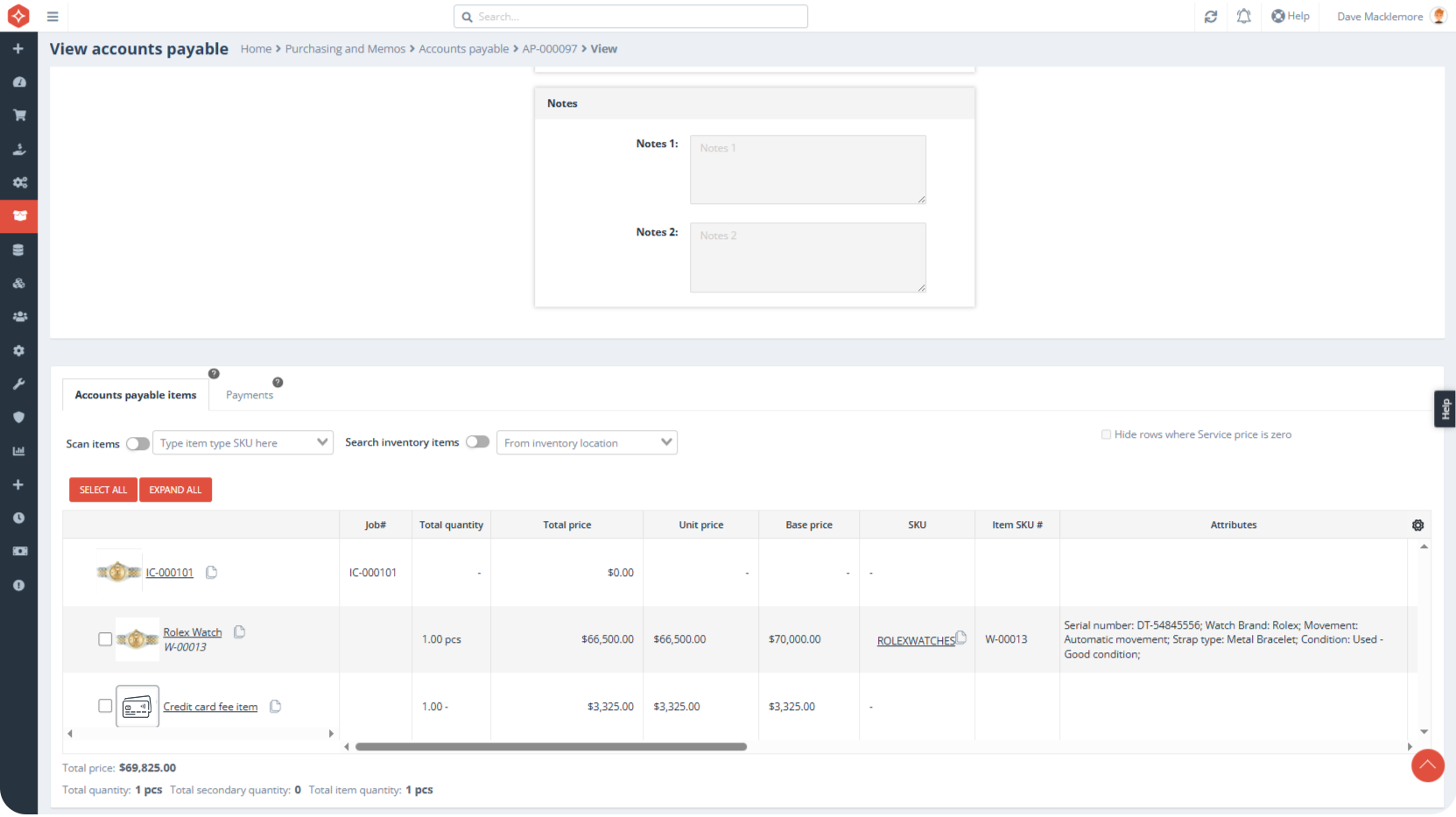
Keep vendor bills connected to the purchase orders and receiving records behind them. PIRO Fusion gives your team the context to review invoices, spot discrepancies, track due dates, and keep vendor payments organized.
- Purchasing
- PIRO Fusion module
- Cloud-based, anywhere
Benefits
What accounts payable does for your business
PO and receiving context
Review vendor invoices next to the related purchase order and received items before approving payment.
Manual discrepancy review
Help your team catch price, quantity, item, stone, metal, or service differences during invoice review.
Due-date visibility
Track payment deadlines, vendor terms, open balances, and scheduled payments so bills do not slip through the cracks.
Vendor payment history
Keep payable records tied to the vendor, PO, receiving activity, and payment status.
Accounting-ready records
Organize vendor, invoice, item, cost, and payment data for reporting or accounting sync.
Use case
A vendor sends an invoice for diamonds ordered on a PO. Your team opens the payable in PIRO Fusion, reviews it against the PO and the received stones, catches any price or quantity differences, then approves the bill and tracks the due date until payment is complete.
Related features
More in Purchasing
Finished Item Purchasing
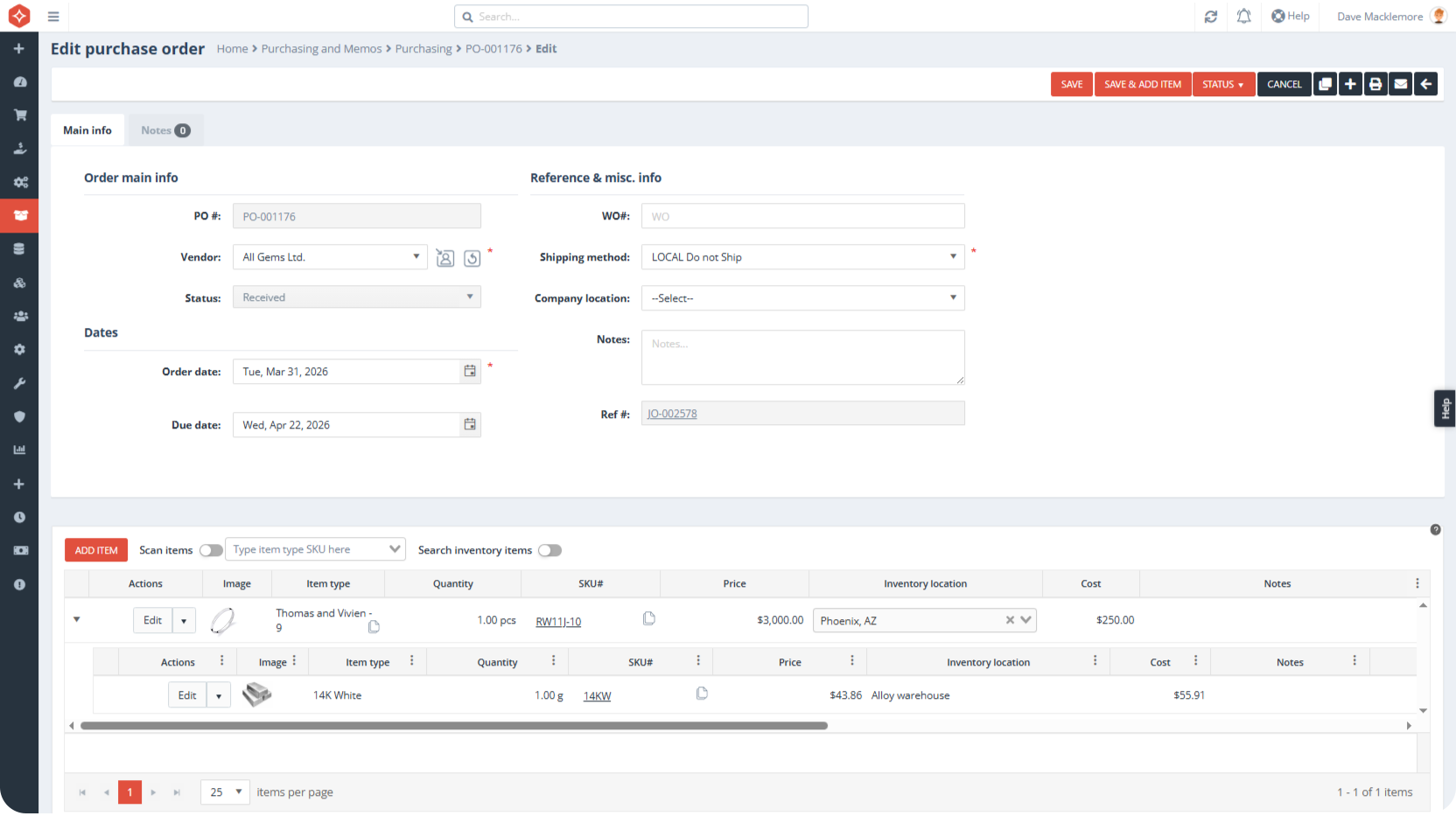
Source ready-made jewelry with a clear path from purchase order to vendor confirmation, receiving, costing, and inventory. PIRO Fusion tracks every finished item from PO to shelf, so your team knows what was ordered, confirmed, delivered, and available to sell.
Learn more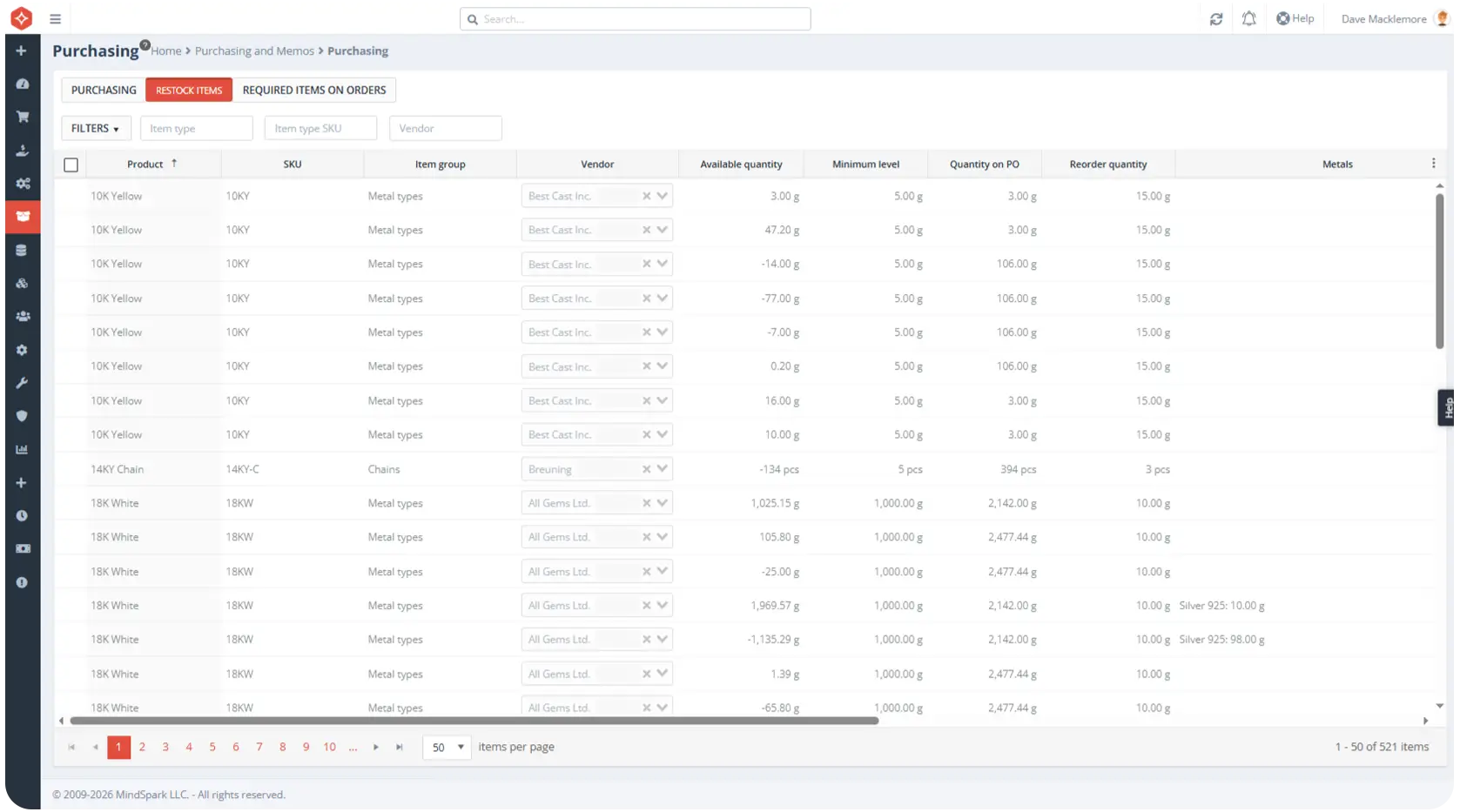
Raw Material Purchasing
Keep production supplied without overstocking. PIRO Fusion turns minimum stock levels, open job demand, and usage history into clear reorder suggestions and purchase orders for metals, stones, findings, and other raw materials.
Learn more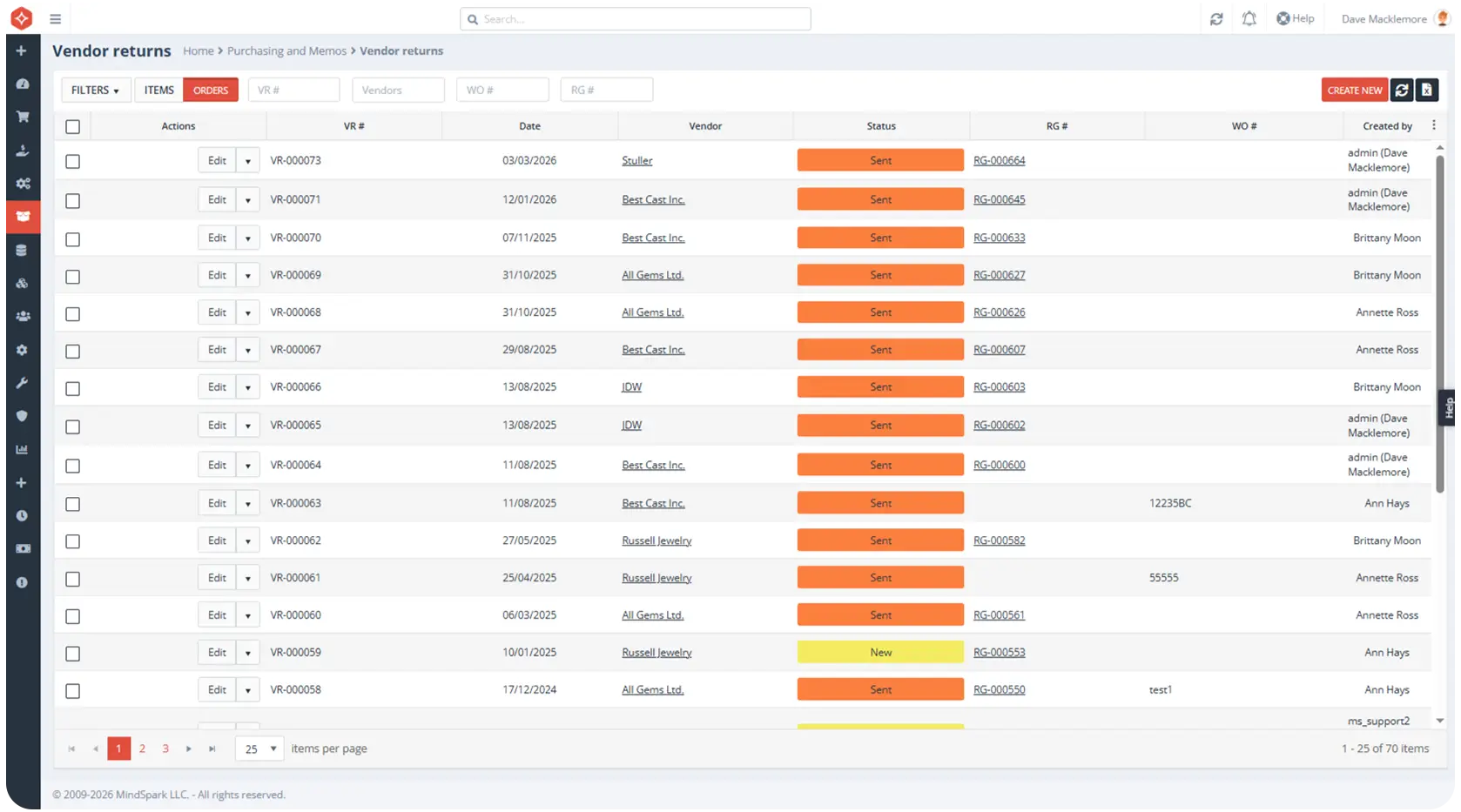
Vendor Management
Keep supplier details, purchase activity, returns, payables, and communication context in one place. PIRO Fusion helps your team manage vendor relationships across purchasing, receiving, returns, and accounting workflows.
Learn moreSee accounts payable in your own workflow
Book a free consultation and we'll walk you through it with your products, your team and your numbers.