
Platform
Reporting
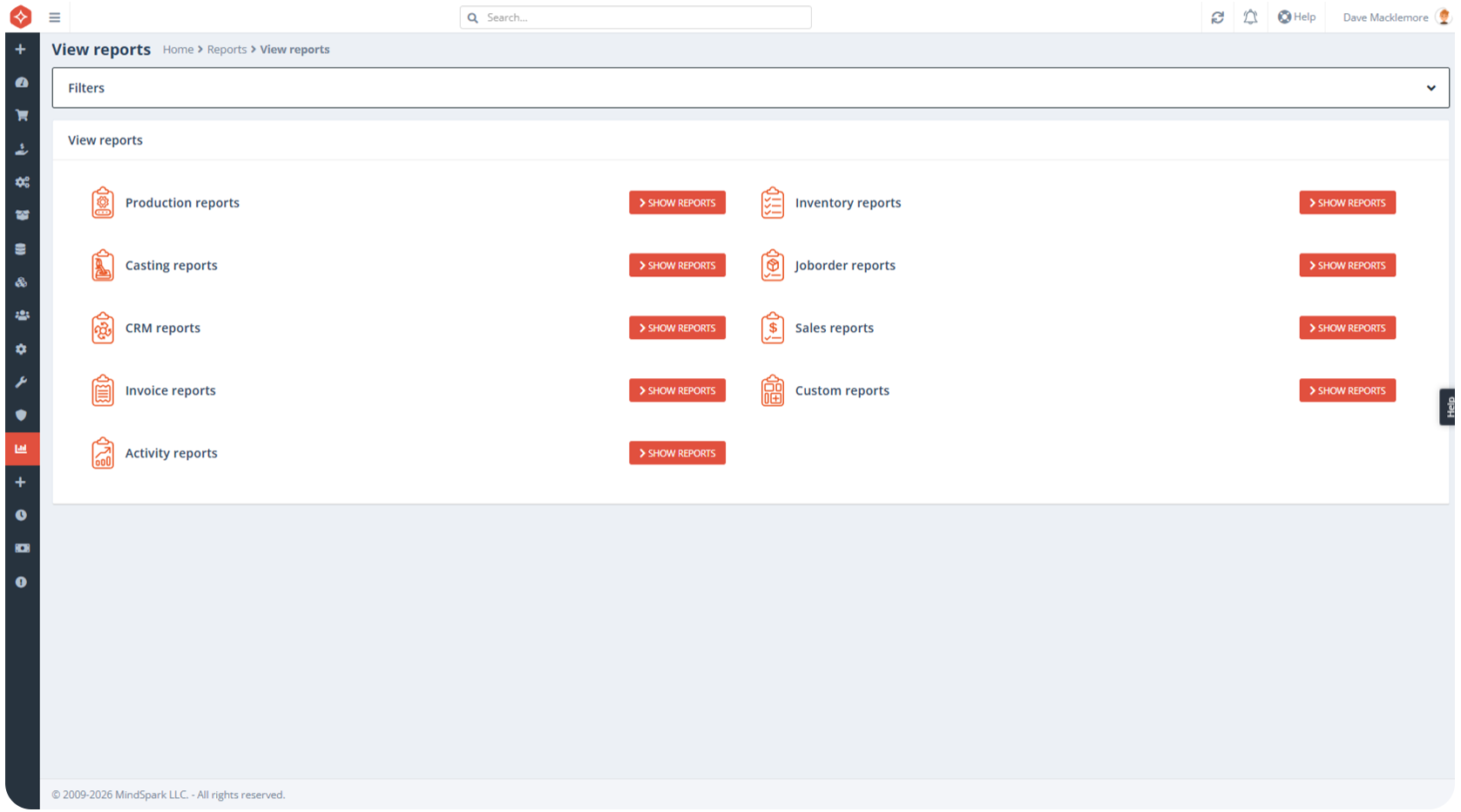
Turn PIRO data into reports your team can actually use. PIRO Fusion combines prebuilt reports, a no-code report builder, scheduled reports, dashboard widgets, and filtered exports so every department can see the numbers behind sales, inventory, production, purchasing, and invoicing.
- Platform
- PIRO Fusion module
- Cloud-based, anywhere
Benefits
What reporting does for your business
No-code report builder
Create custom reports by choosing data sources, filters, groups, sorting, and columns - without asking the PIRO team to build every report.
Prebuilt operational reports
Use ready-made reports for sales, inventory, production, casting, job orders, invoices, CRM, activity, and financial KPIs.
Scheduled reports
Send recurring reports to the right stakeholders automatically, so teams stay aligned without manual exporting.
Custom dashboards
Build dashboards from key reports and KPIs, giving managers a live view of the metrics they care about most.
Filtered exports
Export filtered lists from major modules to Excel, PDF, or CSV - for example, one customer’s in-progress jobs, open invoices, or selected inventory items.
Statements and documents
Generate customer statements, invoice reports, and other shareable documents directly from PIRO data.
Use case
A production manager filters job orders to show only one customer’s in-progress jobs, exports the list to Excel, and schedules a weekly production report for management. At the same time, the finance team generates a customer balance statement from invoices and payments without rebuilding the data manually.
Related features
More in Platform
Security & Users
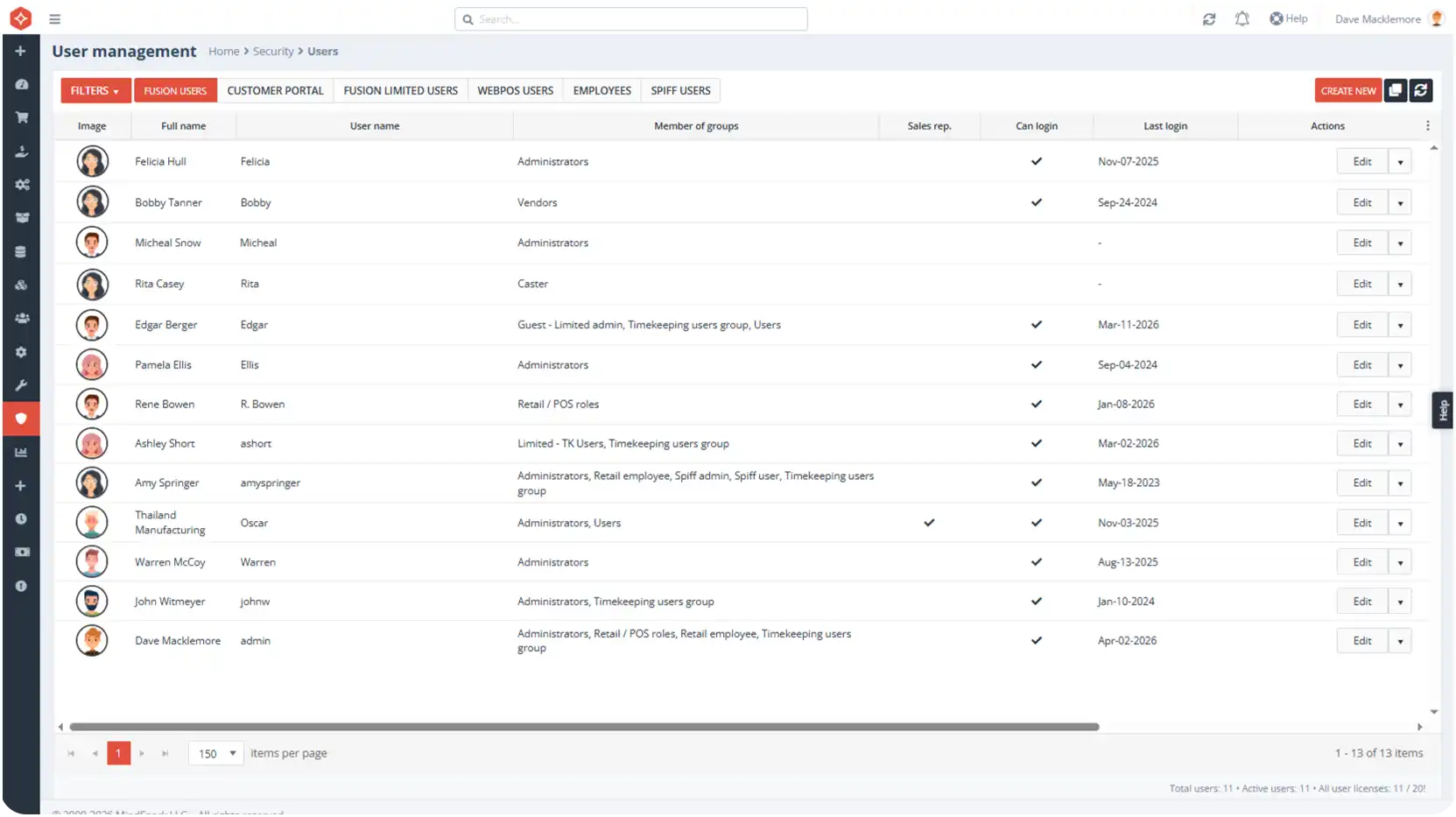
Protect high-value jewelry data while giving each team member the right access to do their job. PIRO Fusion combines user permissions, login history, action logging, secure cloud hosting, and controlled data access in one platform layer.
Learn more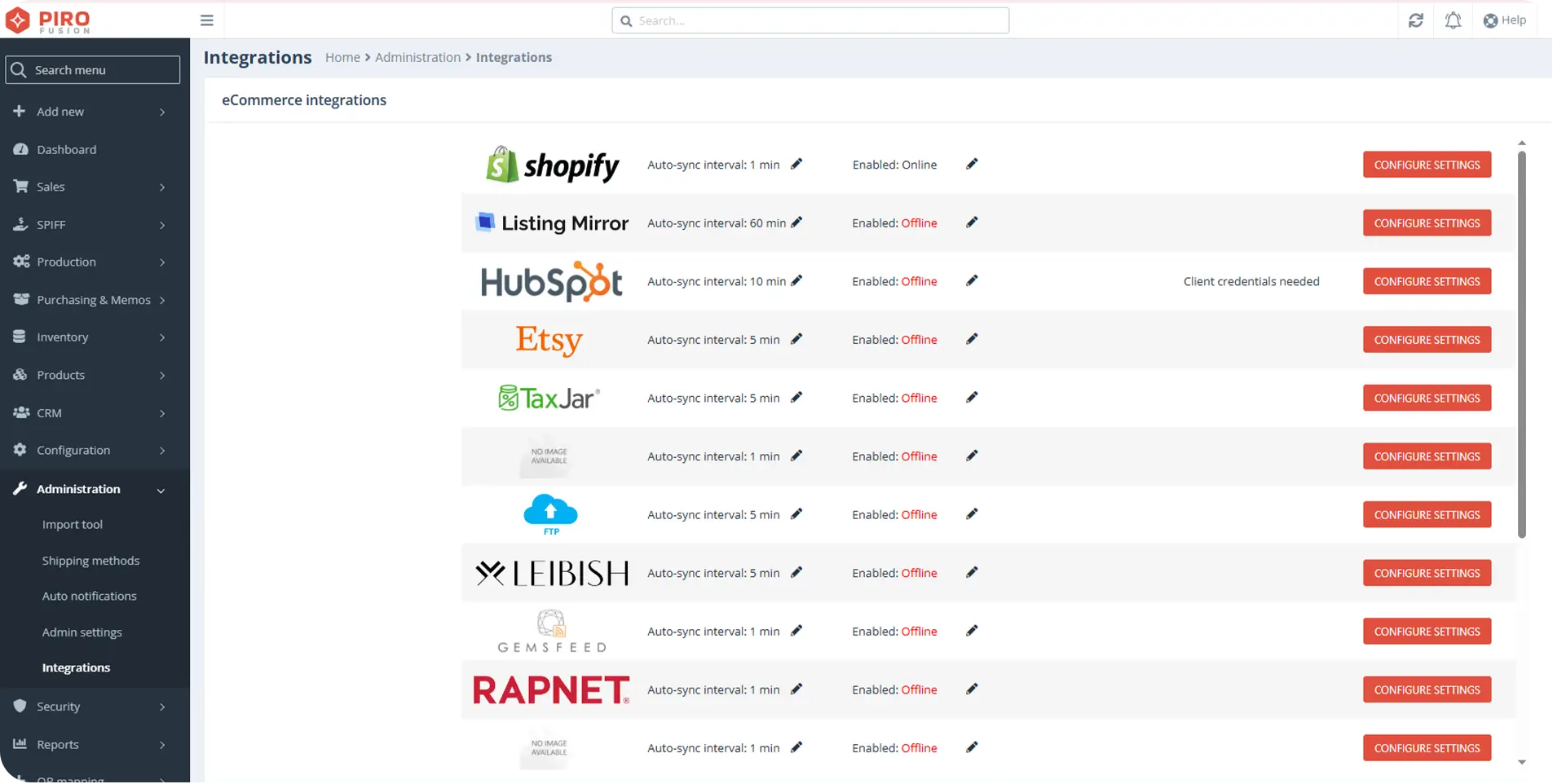
Integrability
Connect PIRO Fusion to the tools your business already uses - and to the tools you build next. With prebuilt integrations, custom integration services, and an open REST API, PIRO helps your jewelry ERP fit into your wider technology stack.
Learn more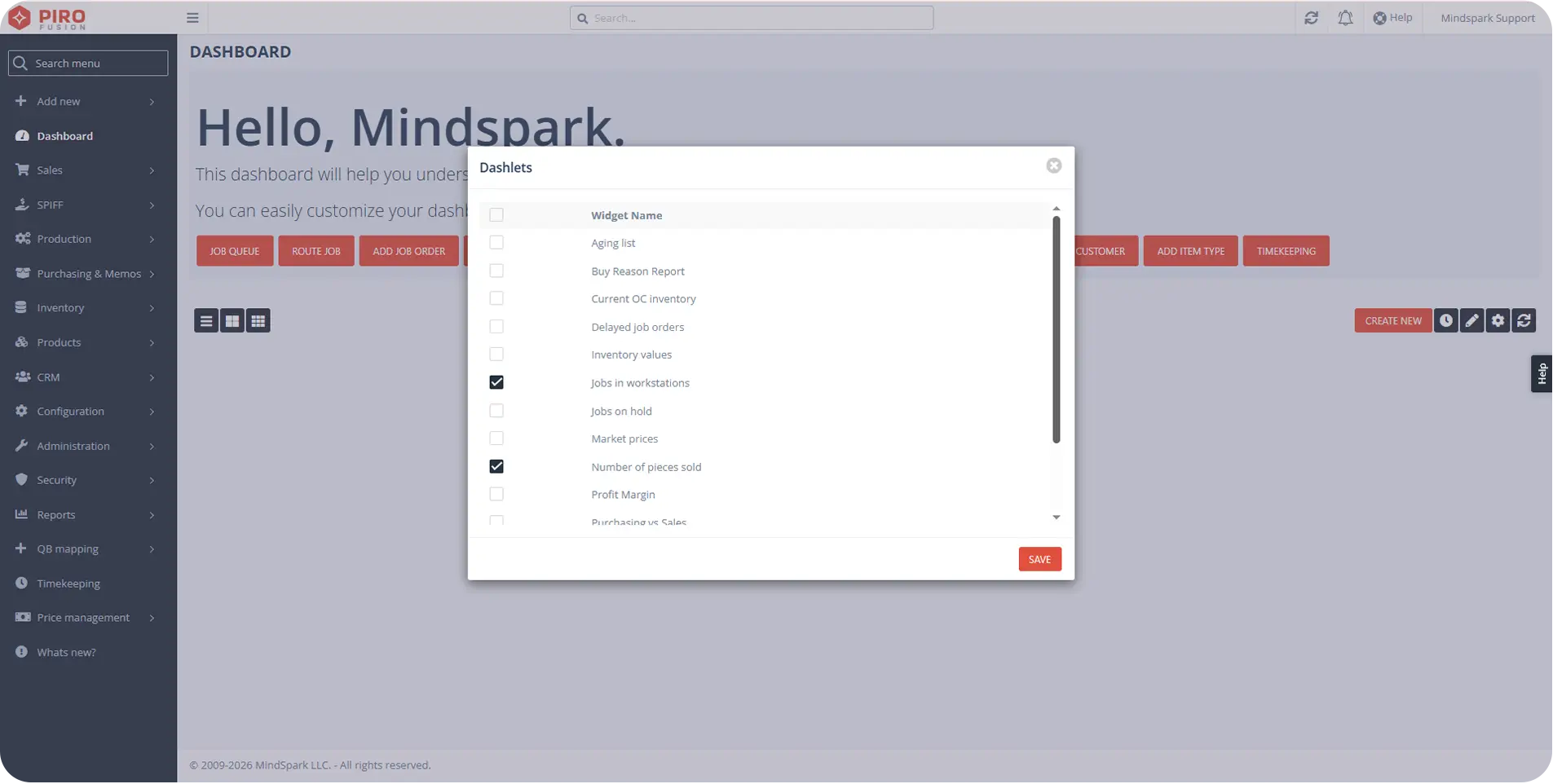
Customization
Shape PIRO Fusion around the way your jewelry business actually works. Configure fields, labels, attributes, statuses, workflows, dashboards, lists, and branded documents without coding - and use custom development when your process needs something truly unique.
Learn more
AI Enablement
Prepare your jewelry ERP for practical, secure AI workflows. PIRO Fusion gives your team a structured, connected data foundation for future AI tools - from forecasting and recommendations to anomaly detection, image processing, and process automation - without exposing sensitive business data to uncontrolled public AI systems.
Learn moreSee reporting in your own workflow
Book a free consultation and we'll walk you through it with your products, your team and your numbers.